Installing the gmStudio Extension for Visual Studio (beta)
gmStudio can run as a Visual Studio 2013 extension.
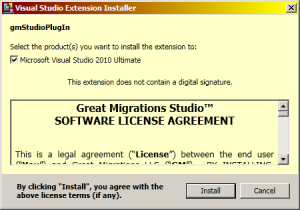
You may install this plugin by clicking on INSTALLDIR\gmStudioPlugin.vsix. This will open an installation dialog
You may load the plugin by clicking View\Other Windows\gmStuidioToolWindow.
This will open gmStudio in plugin mode. You may dock the gmStudio tool window as desired.
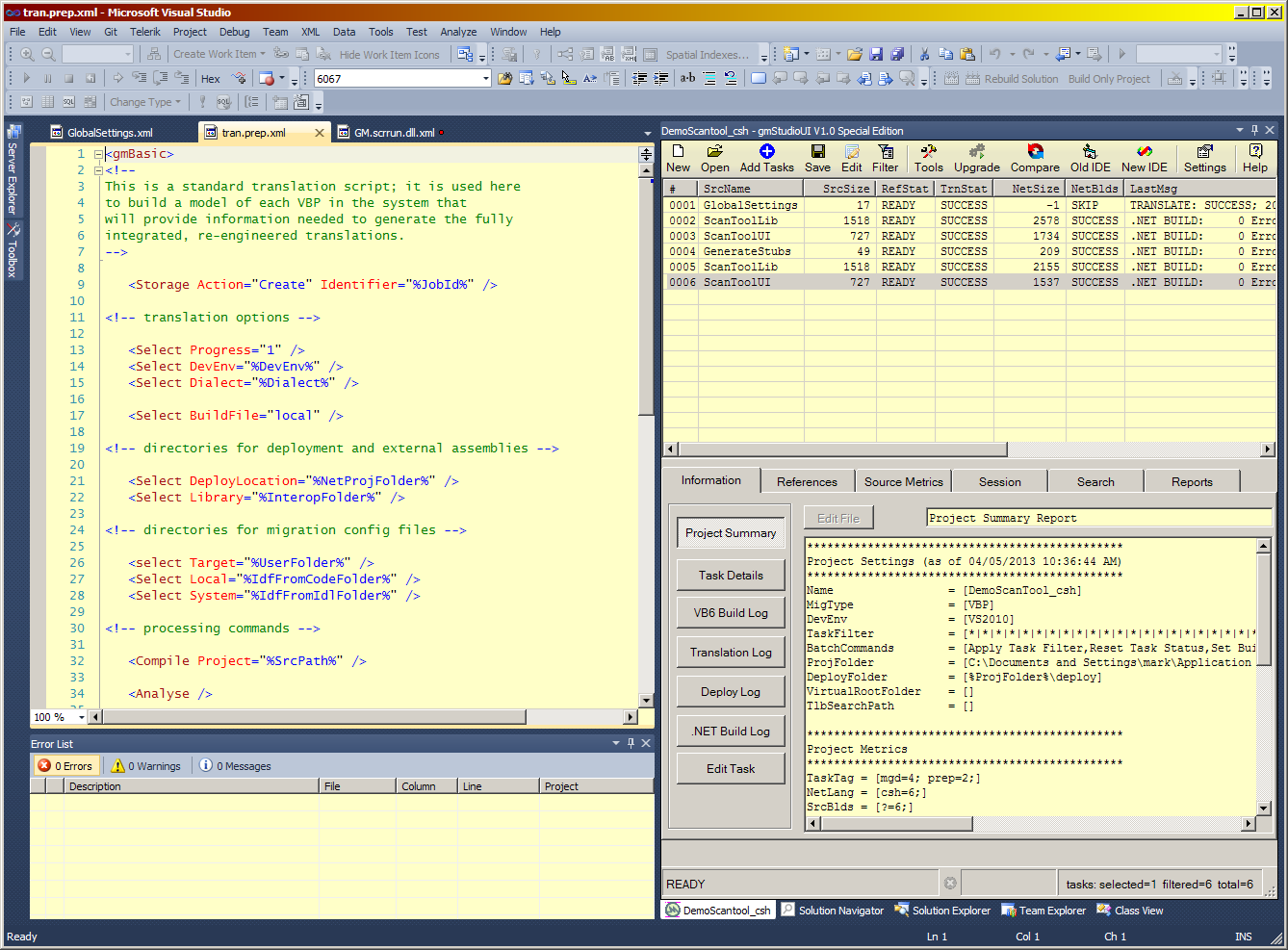 The plugin mode is very much like desktop mode with a couple minor exceptions:
-
- the main menu is removed, but almost all features are accessible from the toolbar
- files are opened for editing a VS editor window rather than an external text editor
- the main menu is removed, but almost all features are accessible from the toolbar
You may uninstall the plugin using the Visual Studio Extension Manager.