Accelerating Modernization with the gmStudio Upgrade Wizard
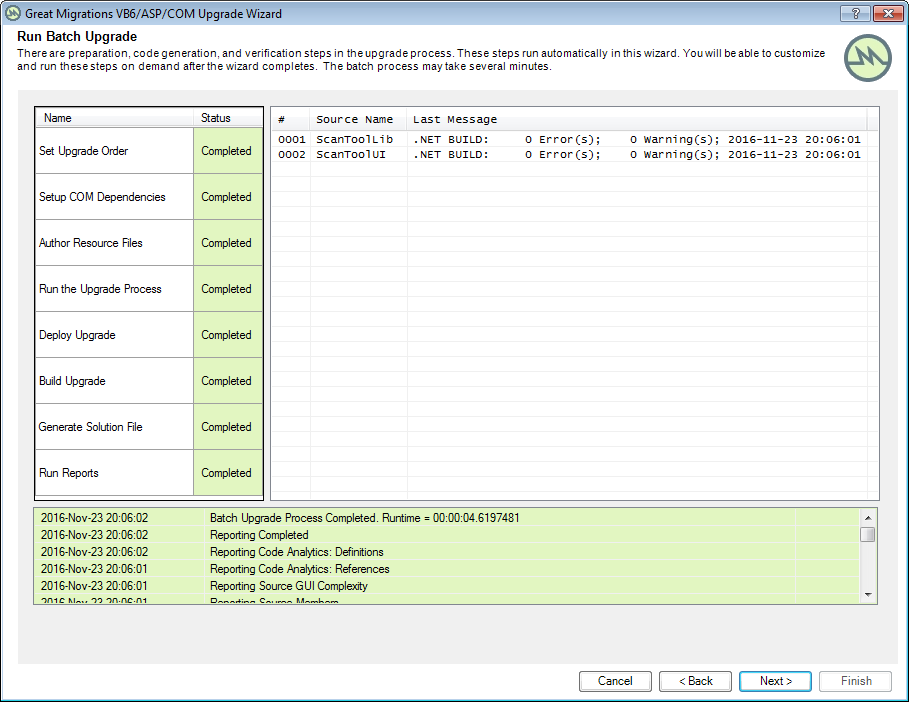
The Great Migrations Upgrade Wizard will help you get started with your upgrade effort and accelerate your progress. It leads you through a step-by-step process to create a gmStudio project for upgrading a VB6/ASP/COM system to either C# or VB.NET. The Wizard offers a simplified, streamlined way of using gmStudio. It requires only a few inputs and options, and it produces several valuable outputs.
Wizard Inputs
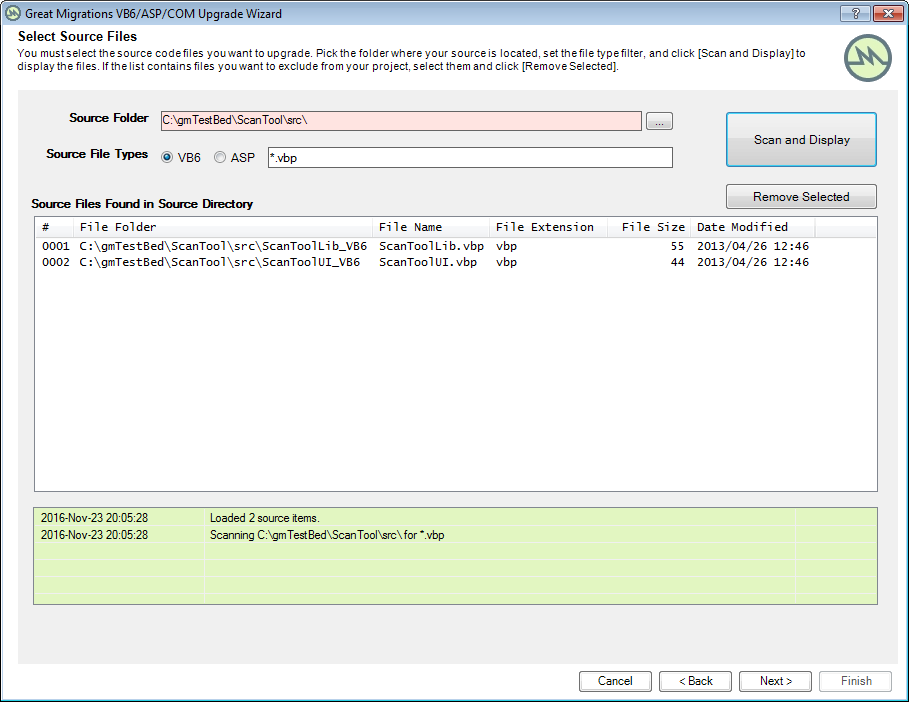
- Source Type: VB6 system or ASP site
- Location of Source Code Files
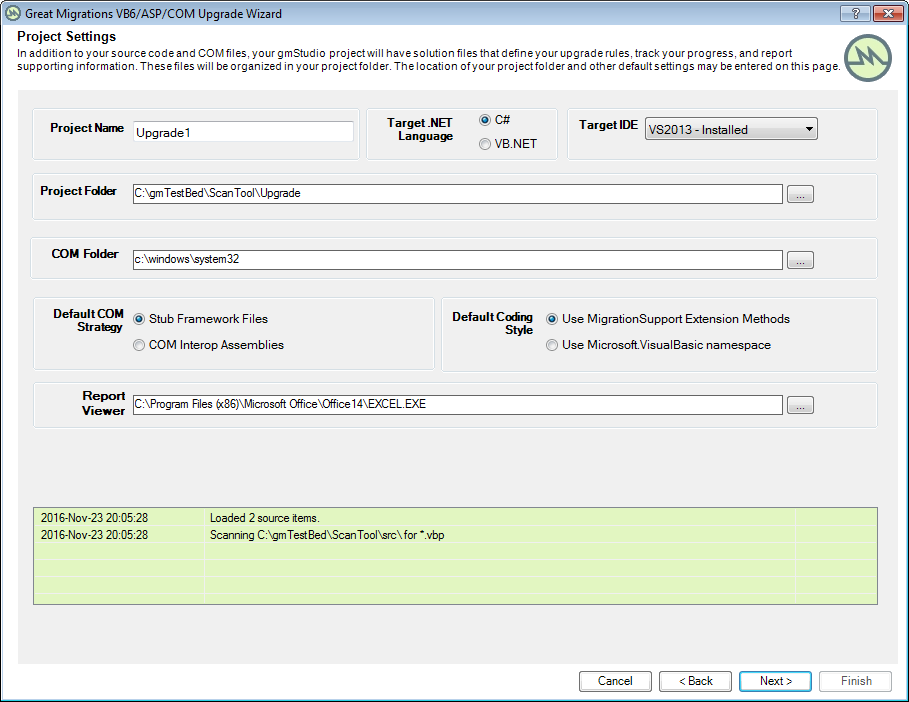
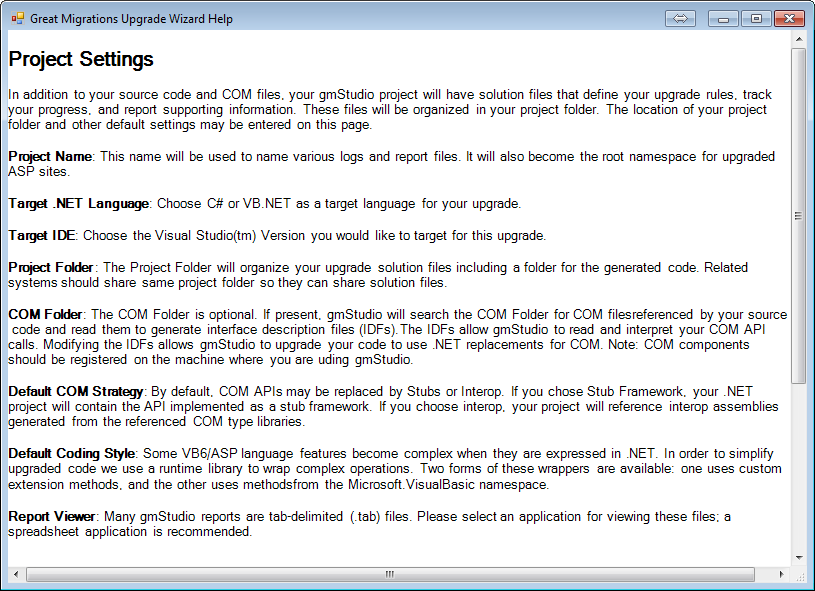
- Desired COM Strategy: Stub Framework or Interop
- Desired Code Style: Extension Methods or using VBNET (Microsoft.VisualBasic) methods
- Desired Visual Studio Version
- Desired .NET Language: C# or VB.NET
- Desired Folder for Saving Results
Wizard Outputs
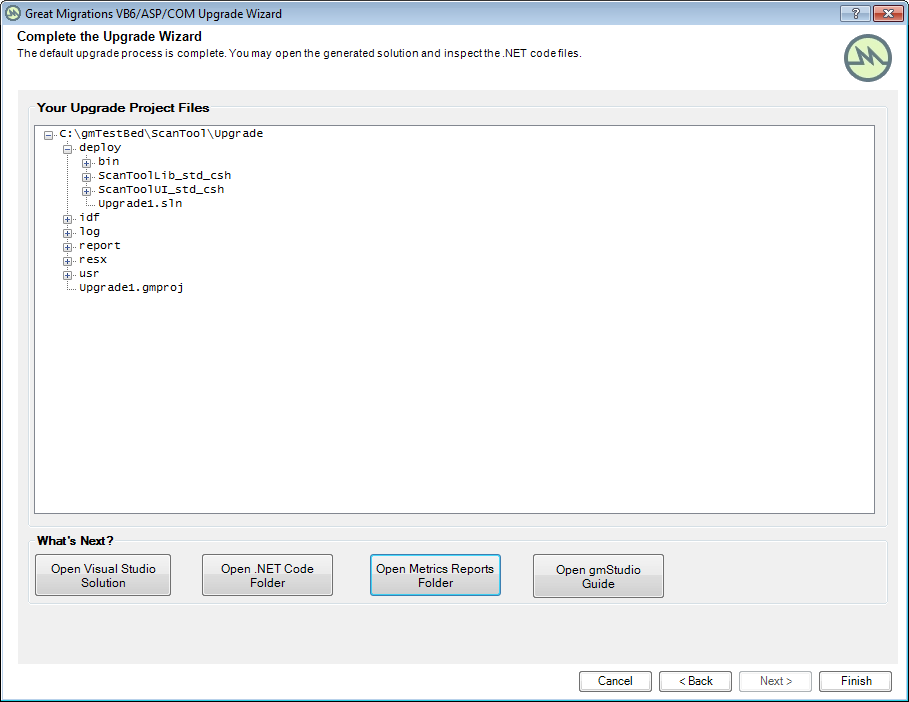
Section titled “Wizard Outputs”- .NET Projects and Code files generated from your Source Code
- .NET Stub Framework or Interop Assemblies generated from COM dependencies
- Metrics Reports and Logs
- Visual Studio Solution File integrating .NET projects
- gmStudio upgrade solution files organized in a workspace
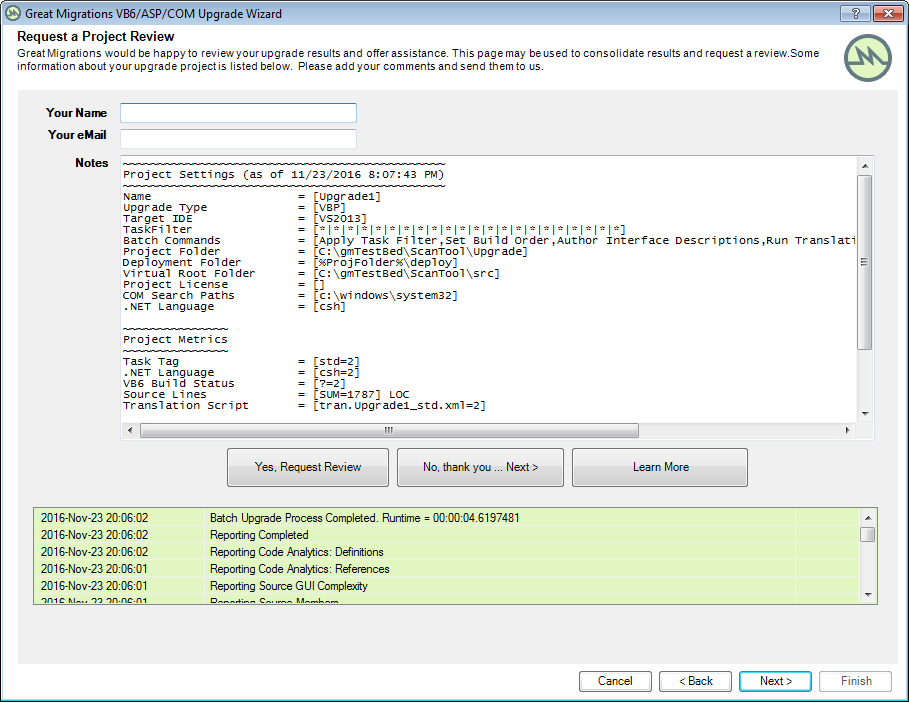
Screen Shots
Section titled “Screen Shots”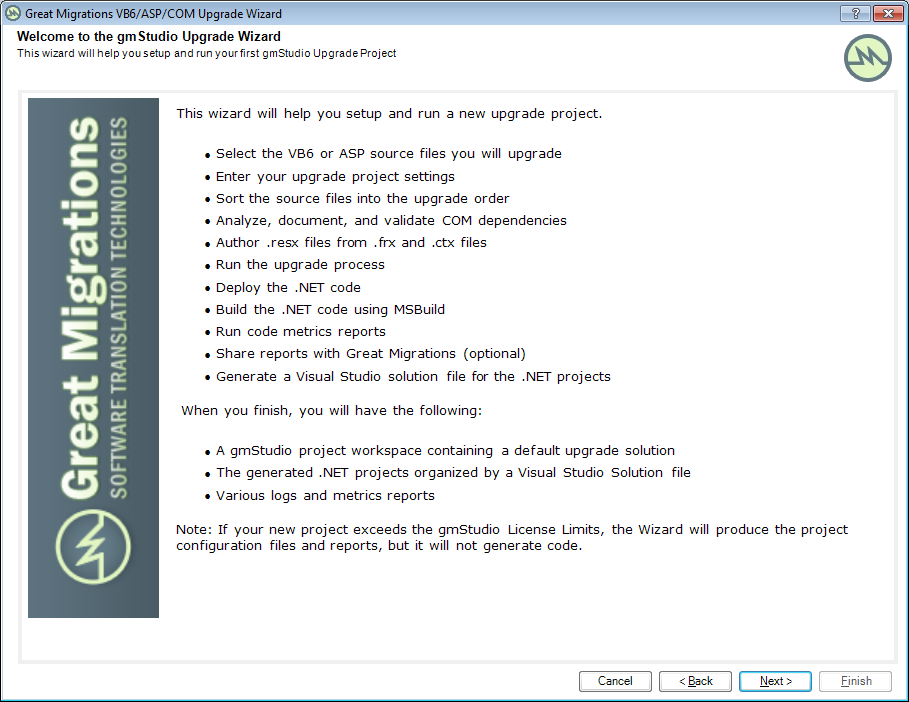
Wizard-Only License
Section titled “Wizard-Only License”gmStudio is available with a Lite Edition License that restricts users to running the Wizard to produce default translations.
- The Lite Edition may be a good fit for organizations that want a quick, standard translation and detailed reports to help them expedite a more manual rewrite.
- The Lite Edition does not allow customizing translation rules or reporting rules except through the options offered on the Upgrade Wizard Project Settings page.
- The Lite Edition has a limited user interface: when running with Lite License, the gmStudio user interface is limited to the Upgrade Wizard form.