Support Statement: Unit Testing gmRTL DataLib
To run the DataLib Unit Tests, follow these steps:
-
Deploy the desired DataLib and DataLibTests code
-
Load DataLib\MigrationSUpport.DataLib.sln, which includes both implementation DataLib.csproj and Unit Test DataLibTests.csproj files
-
Make sure DataLib.dll is strongly named so it can trust the tests. Use DataLib.snk; See DataLib\AssemblyInfo
[assembly: InternalsVisibleTo("MigrationSupport.DataLib.Tests,PublicKey=0024000004800000940000000602000000240000525341310004000001000100b17ec5d0c64e71ff153b28fb4950c3e3fe8493a018cc87521715e789bc7ae58af34ce1d5e36b009a249a79406052ca349fdeae9bbfd985278110c2da01199712bab4f057344e93235ac4247b632ca8f4befe15434e36760cfb67df4e63fa9c0d85f852cb9531d7b58baa02cbcae864ed1070584654463ccccf66b261992d3aa9")]- Set connection string: C:\gmTools\gmRuntime\MigrationSupport\MigrationSupport\DataLibTests\HelperFunctions.cs
namespace MigrationSupportTests{public static class HelperFunctions{// public static string LTCConnect = "Data Source=localhost\\SQLEXPRESS;User Id=stocks_login;Password=password;Initial Catalog=stocks_DataLibTests";public static string LTCConnect = "Data Source=localhost;User Id=stocks_login;Password=password;Initial Catalog=stocks";-
Make sure the test project references the datalib project
-
Clean and Rebuild Entire solution
-
Set debugger to NOT stop on any exceptions either when thrown or when unhandled
Encountering unexpected exceptions will cause a fail.
Not encountering an expected exception will cause a test to fail.
See for example tests named *_Throws_Exception
-
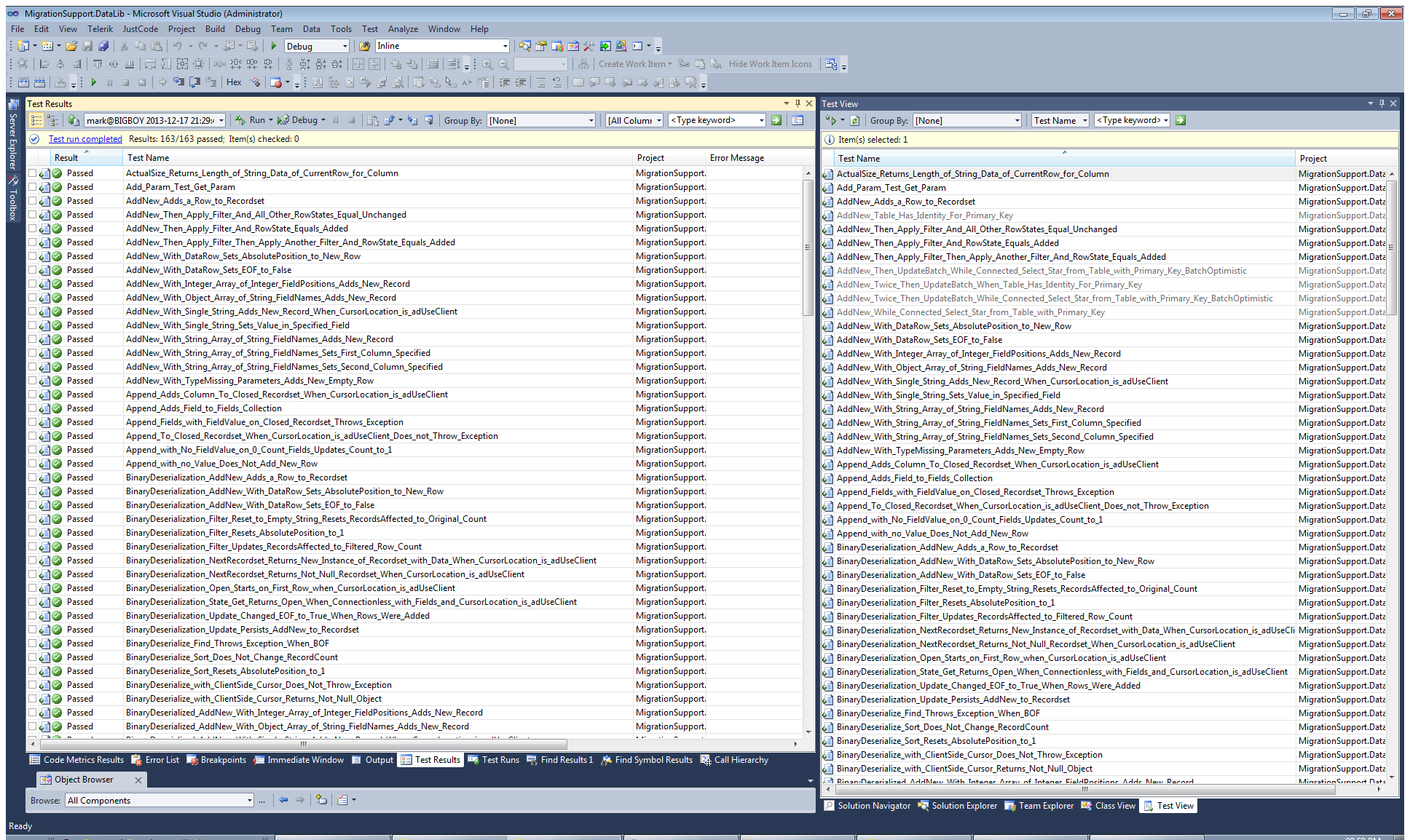
Click Test/Windows/Test View
-
Select all Tests
-
Click Run all Test
Screen should look like this: