gmStudio Workshop Delivery and Agenda
Content of Workshop
Section titled “Content of Workshop”Preparation
Section titled “Preparation”Prior to the workshop, each attendee should prepare as follows:
- Configure a development / workshop workstation according to the recommendation described here
- Install gmStudio on their workstation as discussed here
- Attempt to produce a default translation of your legacy system on their workstation
- Attempt to reproduce the gmStudio Upgrade Samples on their workstation
Session 1
Section titled “Session 1”Methodology
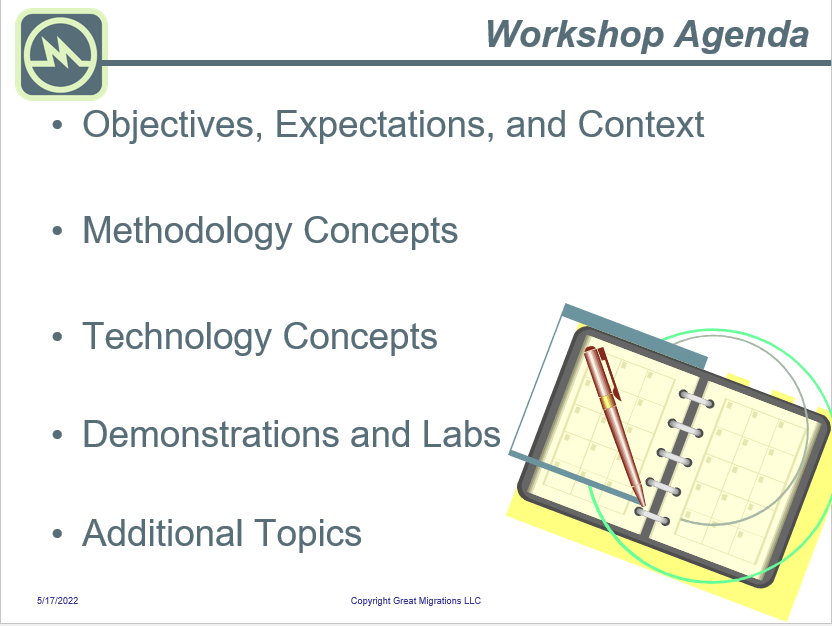
Workshop Agenda
Objectives and Expectations
Expectations: Estimation Factors
Methodology: Concept
Methodology: Balance
Methodology: Phases
Methodology: Milestones
Methodology: Incremental Upgrade
Methodology: Functional Testing
Methodology: Project Plan
Methodology: Parts
Technology
Section titled “Technology”Technology: Agenda
Technology: Overview
Technology: gmStudio
Technology: gmBasic
Technology: Semantic Model
Technology: gmBasic Internals
Technology: gmStudio Overview
Technology: gmslAPI
Technology: Upgrade Solution
Technology: Generated Files
Technology: Standard Distribution Files
Technology: gmStudio Upgrade Techniques
Technology: Upgrade Features
Technology: Workspace
Session 2
Section titled “Session 2”Technology (continued)
Technology: Reporting
Technology: Searching
Technology: SQL Analysis
Technology: COM Replacement
Technology: COM Upgrade Analysis
Technology: COM Upgrades Implementation
Technology: COM Replacement, Sample
Technology: More Reengineering
Technology: Select Commands
Technology: Registry Commands
Technology: Fix/Replace
Technology: Refactor Commands
Technology: Refactor/Reauthor
Session 3
Section titled “Session 3”In-depth Lab and Demonstrations: Scantool
Setup
Baseline Upgrade
Reporting and Analysis
Incremental Upgrade
VS Solutions
Reengineering
Session 4
Section titled “Session 4”In-depth Lab and Demonstrations: FMStocks
Setup
Baseline Upgrade
Reporting and Analysis
Incremental Upgrade
Reengineering
Session 5
Section titled “Session 5”In-depth Lab and Demonstrations: FileExplorer
Setup
Baseline Upgrade
Reporting and Analysis
Reengineering