Create a gmStudio Project for a List of VBPs
Overview
Section titled “Overview”Let’s say you have a list of VBP files and you want to create an Upgrade Project for the VBPs in list.
You may use the following procedure:
Step 1: Create a text file with the list of VBP names and save the file with a “.vbg” extension. If you already have a Visual Basic Group file for the list of VBPs (*.vbg), you may use that. If the vbg contains relative paths, save it in the correct location relative to the VBPs.
Step 2: In gmStudio, open the Migration Project Setup Form and then search for and select the vbg file created in Step 1 (as shown below)
Step 3: Click and [Add] Option and add/review the added VBPs — removing any VBPs that you don’t want to include in the final Upgrade Set.
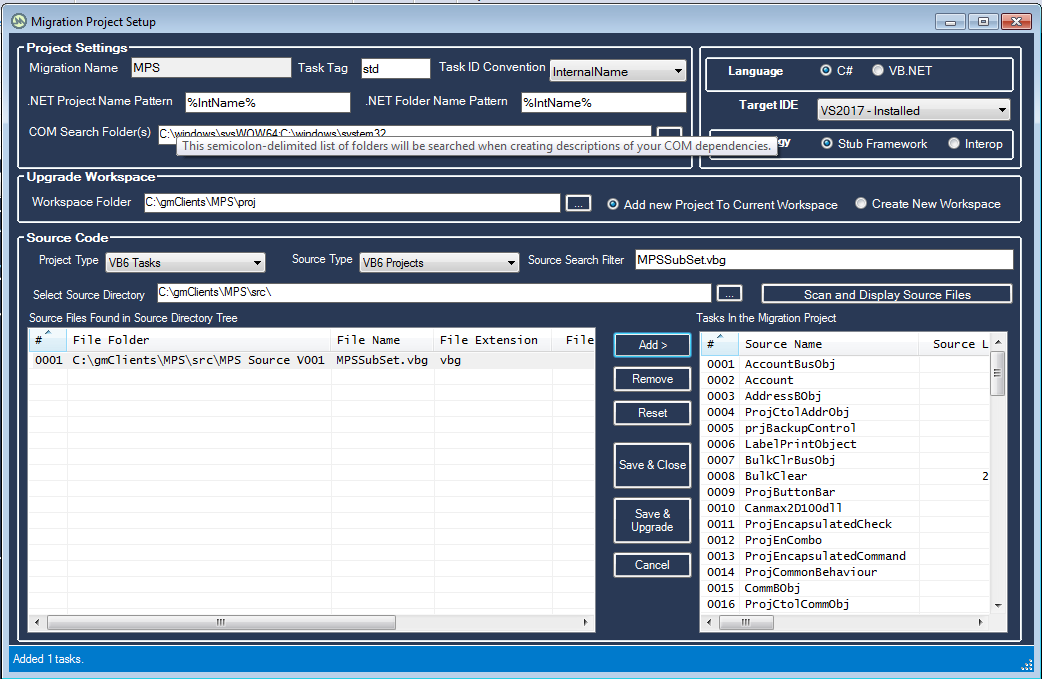 Step 4. Click Save and Close
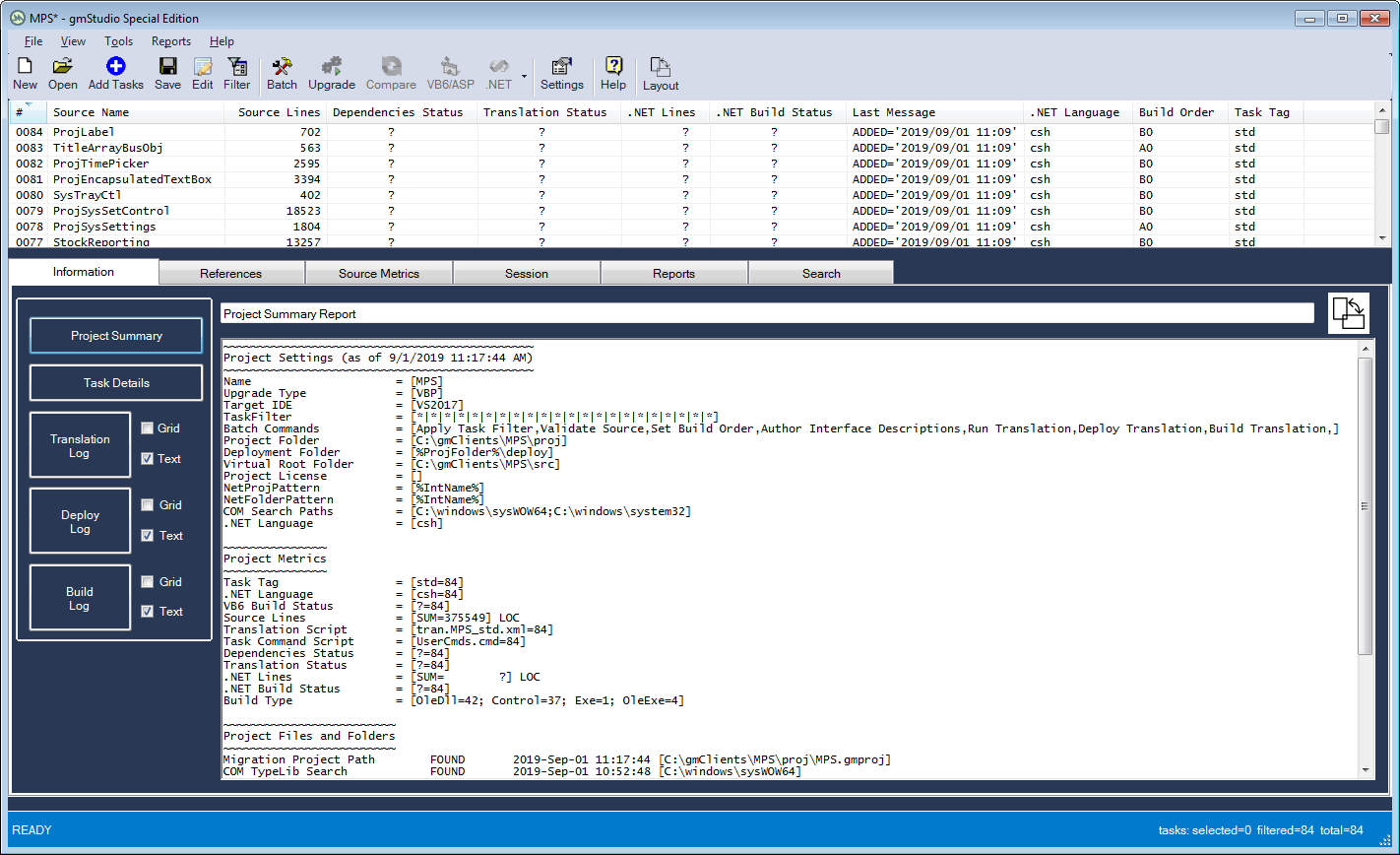
The Migration Project Setup Form closes and you now have a gmStudio Upgrade Project, with a “.gmproj” extension, with the desired VBPs, with which to move forward.